How to Review a Rendering Without Starting Over
Late changes cost the most, and vague comments cost nearly as much. Review in the right order, and write notes an artist can act on.
 Mikita Dasiukou Founder, Untrue Studio · 4 min read
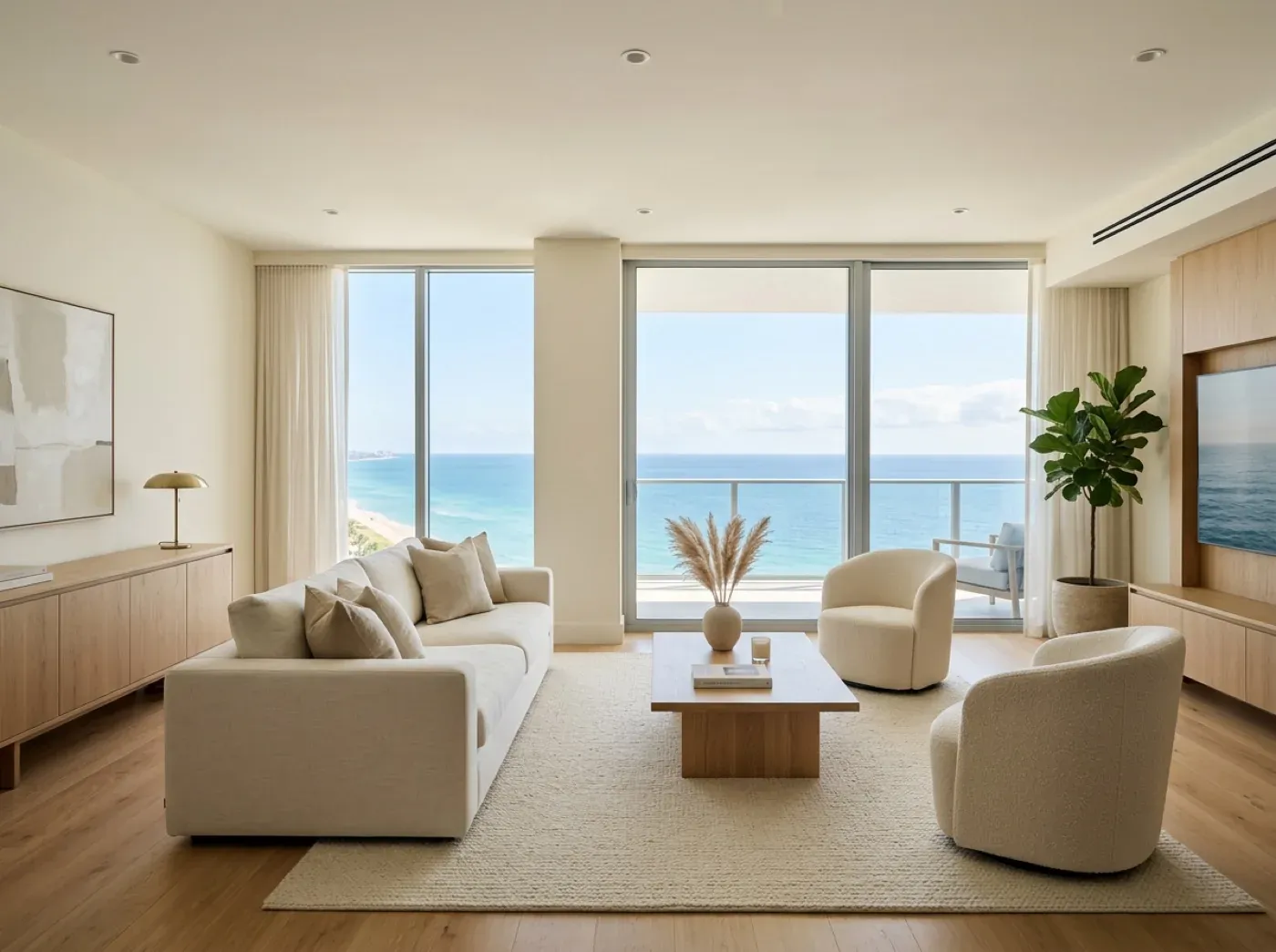
A rendering usually goes wrong in the review, not in the making. The first draft comes back, it goes around the office, and a day later the artist receives eleven comments from four people. Two contradict each other. Three say something feels off. One asks to move the camera, which undoes most of what has been done.
Nobody involved is being careless. They are just reviewing the wrong things at the wrong time. A few simple habits make this much less painful.
Review in the order the image is built
A rendering is built up in layers, and some layers are much more expensive to change than others. Moving the camera late can mean redoing lighting and materials. Changing a throw pillow takes minutes. So the order of review should follow the order of cost.
| Round | Look at | Ignore for now |
|---|---|---|
| 1. Camera and building | Viewpoint, framing, massing, windows, whether it matches the drawings | Colors, materials, light, furniture |
| 2. Materials and finishes | Stone, wood, metal, fixtures, whether they match your selections | Exact mood, styling |
| 3. Light and mood | Time of day, brightness, how the space reads | Small objects |
| 4. Styling and detail | Furniture, objects, planting, people, final touches | Nothing. This is the last round |
The most useful thing you can do at round one is to refuse to discuss the sofa. It will be tempting, because a gray model with a sofa in it is easy to comment on. If you are asked to approve a rough image, ask only one question: is this the right view of the right building?
Agree on how many rounds your contract includes before you begin. Knowing there are a limited number tends to focus everyone.
Write comments an artist can act on
A good comment has three parts: where it is, what is wrong and what it should be. A source helps if there is one.
| Vague | Useful |
|---|---|
| The kitchen feels off | The island looks too long. Per sheet A-301 it should be 8 feet, not 10 |
| Make it pop | The left third is too dark to read the cabinets. Lift the light there |
| Can it feel more luxurious? | The counter looks like laminate. Use the stone in the attached sample |
| The exterior is not right | The third-floor windows do not match the current elevation dated last week |
| I don’t love the furniture | The sofa reads as too small for this room. Use a larger three-seat |
When you can only say that something feels wrong, say that, and say where. “Something about the left side feels cramped” is a good starting point. An experienced artist can often work out why. “Make it better” gives them nowhere to begin.
Mark directly on the image whenever you can. A numbered arrow and a short note save a paragraph of description.
One voice
Comments should reach the artist from one person. That person collects notes from everyone else, resolves any conflicts and sends a single list. This feels like extra work, and it is the best time you will spend on the project.
If the sales lead wants warmer light and the architect wants a truer color, the artist should not have to decide between them. That is a decision for your team. An artist who gets contradictory notes will either pick one, or do both and charge you for the rework.
Check it against the drawings
Somebody has to do the unglamorous part. Before the first round closes, open the image beside the current set and go through it.
- Are the window positions and counts right?
- Is the floor count correct, and the roofline?
- Do railings, balconies and entries match?
- Are the room proportions believable against the plan?
- Does anything show a design that has since changed?
Do the same again when the design moves. It is also the point at which to start sorting fact, assumption and atmosphere, which makes your final approval much quicker.
Four traps
Asking the room. Showing a draft to a group invites opinions from people who have no stake in the outcome. Show it to the people who need to approve it, at the stage they need to approve it.
Reference creep. Someone sends an inspiring image found online, and now the brief has quietly changed. References are welcome at the start. After that, ask whether the new one really changes what the project needs.
Polishing a poor choice. A beautiful render of the wrong view is still the wrong view. If you doubt the concept at round one, say so then, even if it feels early.
Reviewing on a laptop only. Look at the image where it will be seen. If the image will mostly live on a phone, look at it on one. If it is going on a sign, look at the detail at full size.
Sign off in writing
When an image is final, record it. Note which version was approved, who approved it, what drawings it was checked against and what was left as an assumption. It takes one minute, and it means nobody has to reconstruct the decision months later.
Then let it go. An approved image is rarely perfect, and it does not need to be. It needs to be accurate, attractive and useful to a buyer. The next piece of work is usually a better place to spend your attention than a seventh round on this one.